Updated October 20, 2026
1. Receive the restaurant’s invitation
An authorized restaurant user chooses an enabled vendor and emails authorization options to the saved representative contact. The exact subject is Authorize text from Skilletworks. Test companies use the requesting tester’s contact instead of emailing an actual vendor.
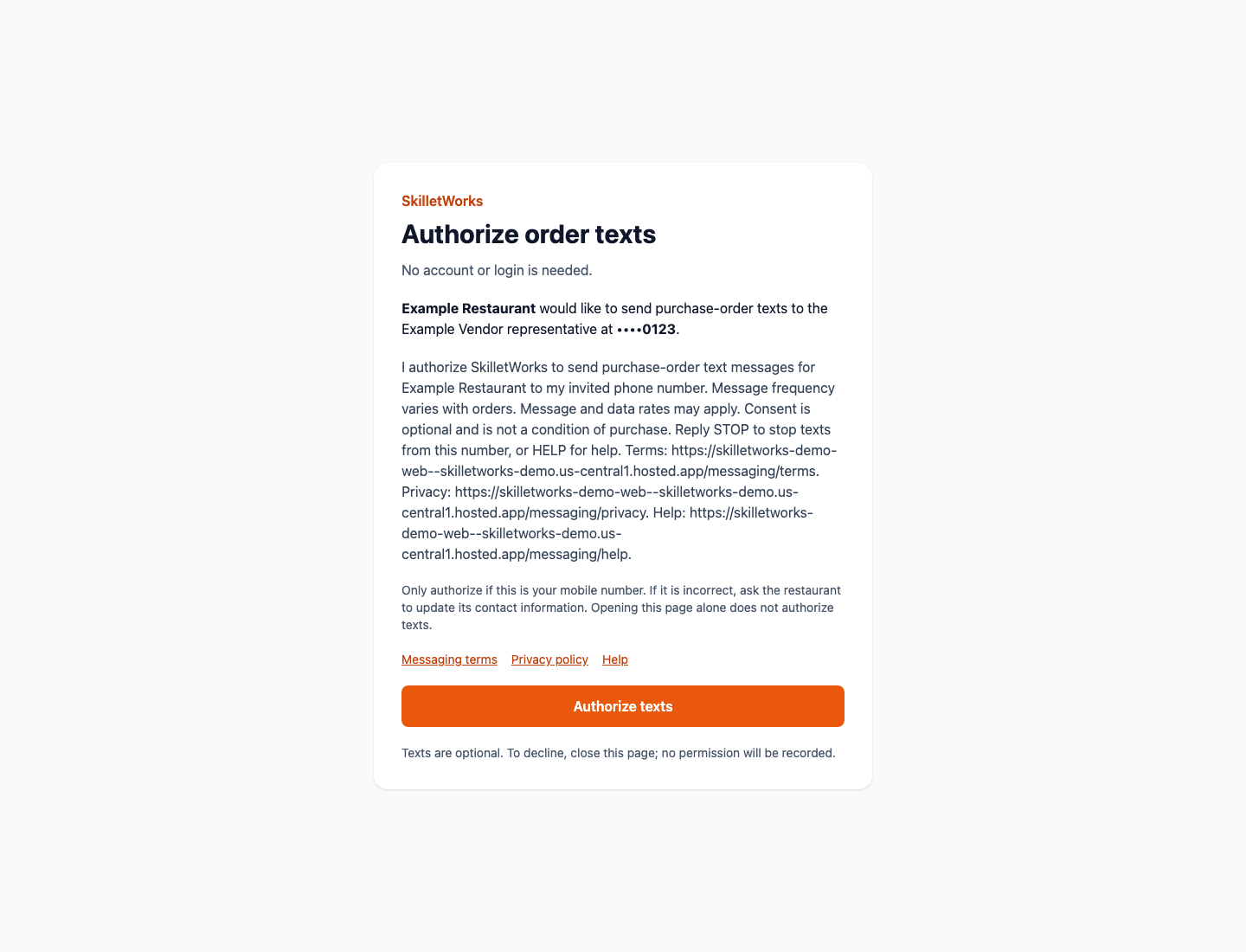
The invitation identifies the restaurant and intended mobile number, explains order-message frequency and possible rates, and provides messaging terms, privacy, HELP and STOP information. Sending the email does not grant permission.
2. Choose either explicit authorization path
Link option: open the invitation link, review the named restaurant and masked mobile number, and select Authorize texts. Opening the email link alone does not authorize texts.
Text option: send JOIN followed by the invitation’s unique code to the sending number shown in that email, from the invited mobile number. A different phone cannot use the code to authorize that recipient.
3. Receive authorized order texts or stop
Recorded permission is required before order texts are sent. Consent is not a condition of purchase. Message frequency varies with orders, and message and data rates may apply.
Reply STOP to unsubscribe or HELP for assistance. STOP applies across restaurants using the same sender. To authorize again, reply START, request a new invitation, and explicitly authorize it.